Home / Google Ads
Google Ads management that bids on profit
Search, Shopping, Performance Max and YouTube, run by people who check your margins before they check your ROAS. For Shopify stores and for businesses that live on leads.
- Shopping and PMax feed work
- Enhanced conversions and offline imports
- Weekly reporting in your own account

Why most accounts leak money
Google Ads rarely fails loudly. It fails quietly, a few hundred dollars at a time, in places nobody checks every week. When we audit an account, we nearly always find at least two of these:
- Performance Max eating brand traffic. People who were already searching for you get counted as new sales, and the campaign looks far better than it is.
- One ROAS target for every product. A target that works for a 70% margin product loses money on a 25% margin product.
- Conversion tracking that counts the wrong things. Add-to-carts, page views or duplicate purchases sitting in the main conversion column, so bidding chases noise.
- Broad match with no guard rails. Thin negative keyword lists and nobody reading the search term report.
- Lead accounts optimizing to form fills. The algorithm gets very good at finding people who fill in forms, and not very good at finding customers.
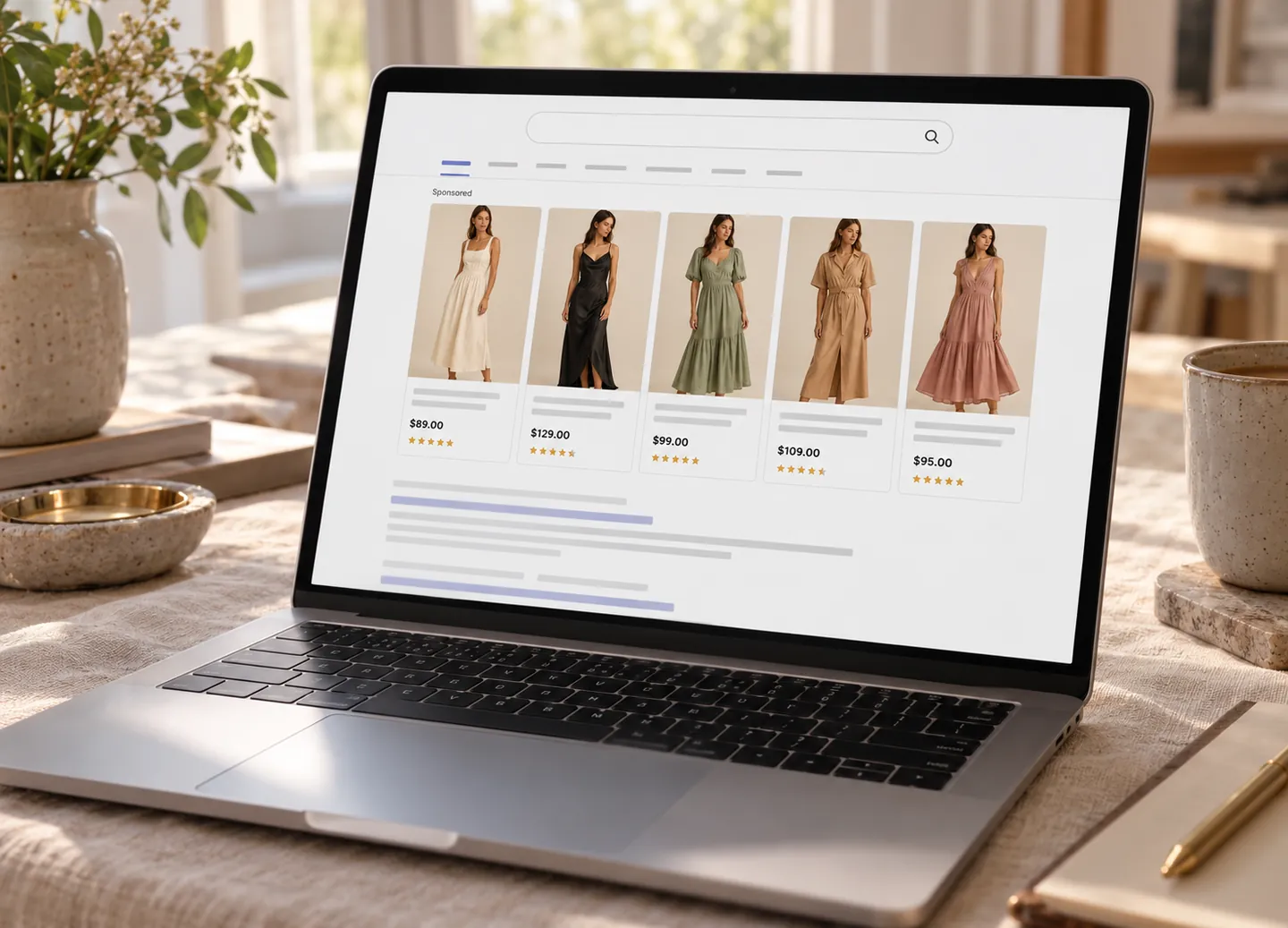
Search campaigns
Search is still the highest-intent traffic most businesses can buy. We build it around how people actually search, not around how your product catalogue is organised.
Structure by intent
Brand, competitor, category and problem-led searches each get their own campaigns and budgets, so a cheap brand click never props up an expensive generic one.
Search term mining
We read the search term report every week. Good terms get promoted to exact match, bad ones become negatives, and new themes become new ad groups.
Ads that earn the click
Responsive search ads written from your reviews and your customers’ own words, with assets for price, promotion, location and calls where they help.
Brand protection
Brand campaigns kept separate and cheap, with monitoring for competitors bidding on your name.
Every ad group points to the page that best answers the search. If that page doesn’t exist, we tell you, and on lead-gen accounts we usually build it.
Shopping and Performance Max
For a Shopify store, the product feed is the targeting. Google decides which searches to show your products for mostly from your titles, product types and attributes. A tidy feed costs nothing extra and usually beats any bid change.
What we do to the feed
- Rewrite titles so the words people search come first: brand, product type, key attribute, then size or colour.
- Fill in missing GTINs, materials, gender, age group and size attributes so products qualify for more searches.
- Use a supplemental feed so we can improve data without touching your Shopify product pages.
- Add custom labels so campaigns can treat products differently.
| Custom label | What it holds | How we use it |
|---|---|---|
| Margin band | High, medium or low margin | Separate ROAS or POAS targets for each band |
| Bestseller | Top products by revenue in the last 30 days | Own campaign with protected budget |
| Stock level | In stock, low stock, back order | Pull spend back before items sell out |
| Season | Current, upcoming, off-season | Shift budget ahead of demand, not after it |
| Price point | Under, around or above your average order | Spot products that only sell with bundles |
How we run Performance Max
We exclude your brand terms, split hero products from the long tail, give each asset group a clear theme and add search themes where they help. If you want growth from new customers, we turn on new customer acquisition and set the value of a new buyer properly. Standard Shopping runs alongside where you need tight control over particular products.
YouTube and Demand Gen
YouTube and Demand Gen are good at reaching people before they search. They work best when you already have creative that sells on Meta, a product that needs showing rather than describing, and enough budget that search isn’t starved.
We don’t judge these campaigns on view-through conversions alone, because those numbers flatter almost any video. Where budget allows, we use geo-split or conversion lift tests to see whether YouTube is adding sales that wouldn’t have happened anyway.
Tracking that bidding can trust
Smart bidding is only as smart as the data it gets. Before we raise budgets, we make sure Google is learning from the right signal.
One clean purchase conversion
Through Shopify’s Google and YouTube app or a server-side setup, with duplicates removed and secondary actions moved out of the main column.
Enhanced conversions
Hashed first-party data sent with each conversion, so fewer sales go missing across devices and browsers.
Profit as the value
Where it makes sense, we send gross profit instead of revenue, so bidding works toward POAS.
Consent mode
Set up for visitors in the EEA and UK so measurement keeps working within the consent rules.
We also reconcile Google’s numbers with Shopify or your CRM every month. If they drift apart, we find out why before anyone makes a budget decision on bad data.
Google Ads for lead generation
For clinics, law firms, trades and B2B teams, the conversion that matters happens days or weeks after the click. So we bring it back into Google Ads.
- Offline conversion imports. Qualified leads, booked appointments and closed deals from your CRM go back to Google with a value for each stage.
- Enhanced conversions for leads. Matches CRM outcomes to ad clicks using hashed email or phone, without fragile workarounds.
- Call tracking. Calls are often the best leads you get. We track them by campaign and keyword, and count only calls long enough to matter.
- Landing pages per service. One page per service, and per location where it helps, written to match the search.
- Local Services Ads where they’re available for your category, managed next to Search so the two don’t compete for the same calls.
Your first 90 days
- Weeks 1–2
Audit and quick fixes
Full account and tracking audit. Obvious waste gets switched off straight away, with your approval.
- Weeks 2–4
Rebuild the foundations
Conversion setup, feed improvements, campaign structure and negative keyword lists.
- Weeks 5–8
Test
New campaigns and ad copy go live against a written plan. Budgets stay steady so tests stay readable.
- Weeks 9–12
Scale
Budget moves to what’s working, targets get tightened, and we agree the plan for the next quarter.
Questions about Google Ads
Do you use Performance Max?
Yes, where it earns its place. For most Shopify stores PMax works well once the feed is clean and brand traffic is excluded. We usually run it next to Standard Shopping and Search, so we can see what PMax is really doing and keep control over the products that matter most.
What is POAS and why do you use it?
POAS is profit on ad spend. Instead of telling Google what revenue a sale brought in, we send what the sale was worth after product costs. Bidding then favours the products and searches that make money, not just the ones with high prices.
Can you take over an account another agency built?
Yes. We start with an audit, keep what works and change things in stages so performance doesn’t drop while we rebuild. Account history stays intact because the account stays in your name.
Do you write the ads yourselves?
Yes. Copy is written by the strategist on your account, using your reviews, support tickets and search terms. You approve anything that makes a claim about your product.
How much should I budget for Google Ads?
It depends on how many people search for what you sell and what a click costs in your category. In the audit we pull search volumes and cost estimates for your actual keywords, so the budget is based on your market, not a rule of thumb.
Find out where your Google Ads budget is leaking
We’ll audit your account, tracking and feed, and send back a written list of fixes with the likely impact of each.
Works well alongside
Get a free audit
Tell us a little about your business. A strategist will look at your site and accounts, then come back within one business day with a time to talk.
What happens next
- We look over your site and public ad activity before we speak.
- On a 30-minute call we walk through what we found and where money is leaking.
- You get a written 90-day plan. It’s yours whether or not you hire us.
Prefer email? Write to theadstroke@gmail.com